
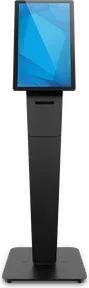
Elo Wallaby Pro Self-Service Stand
A portrait stand for the wall, counter, or floor that carries a receipt printer.
$1,399
Ask us about it Elo Wallaby Pro Self-Service StandSelf order kiosk
Guests browse the menu, build a cart, and scan a code to pay on their phone. The kiosk is included in Growth at no extra cost.
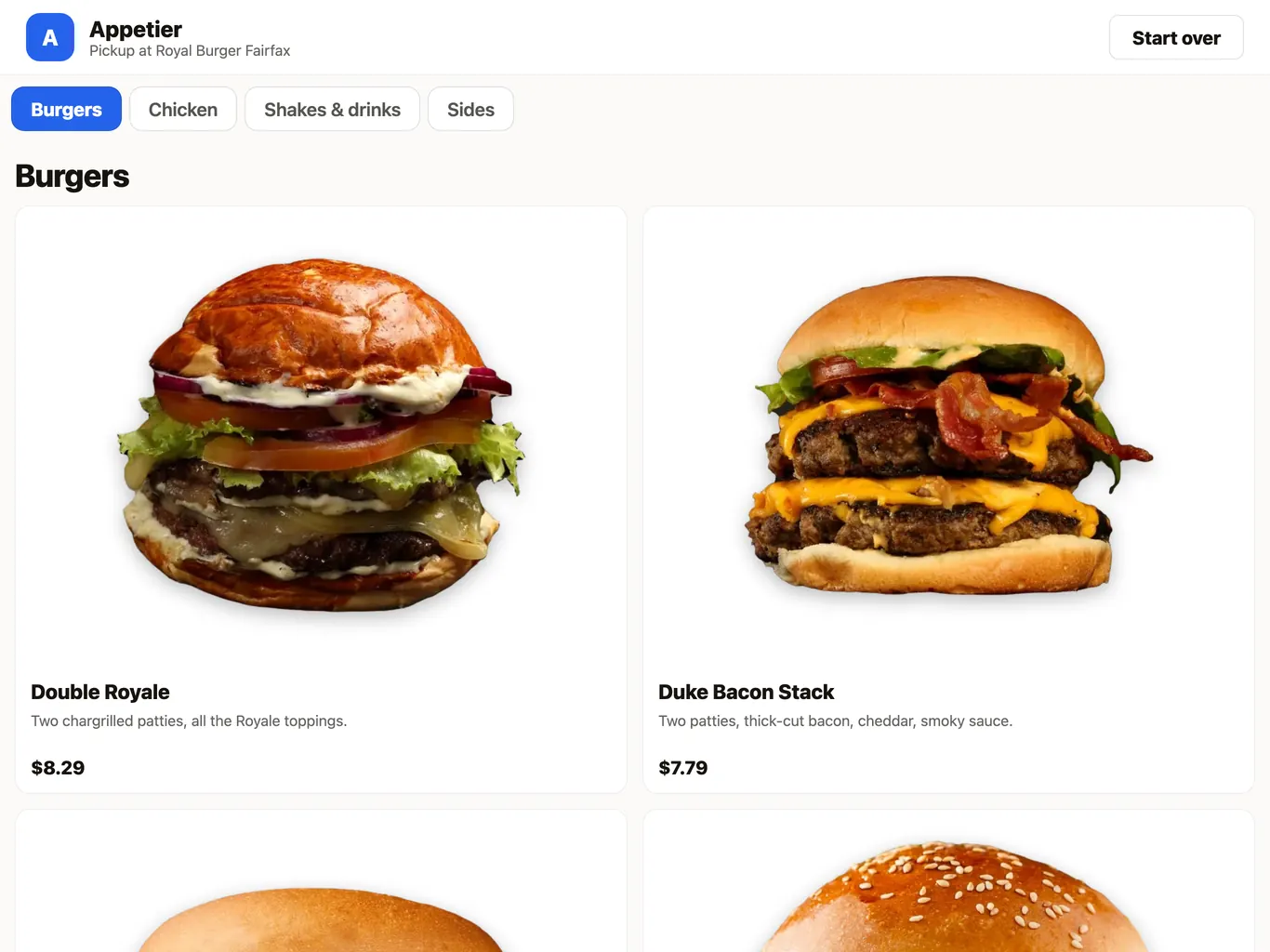
How a kiosk order moves
Three screens, drawn from the way the kiosk works.
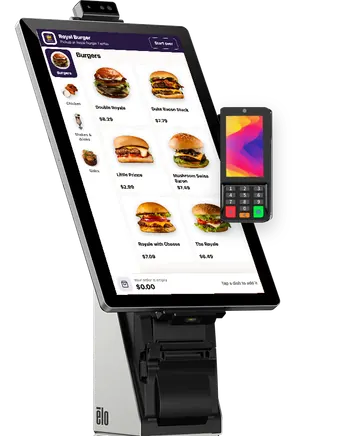
The cart ends in a QR code. The guest scans it, and the same cart opens on their phone to pay.
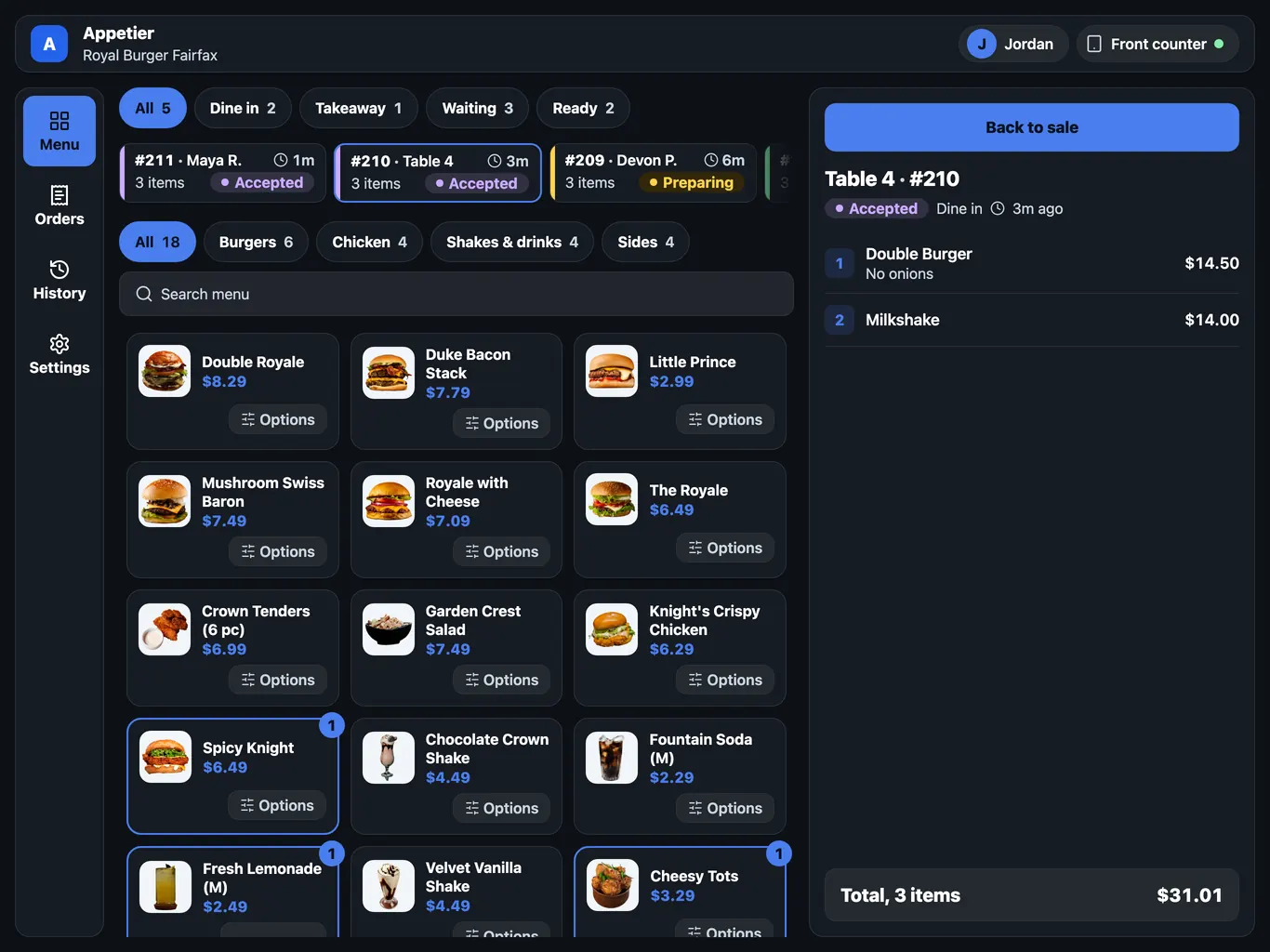
The kiosk places the order unpaid, and it waits in the order list until staff record cash or card.
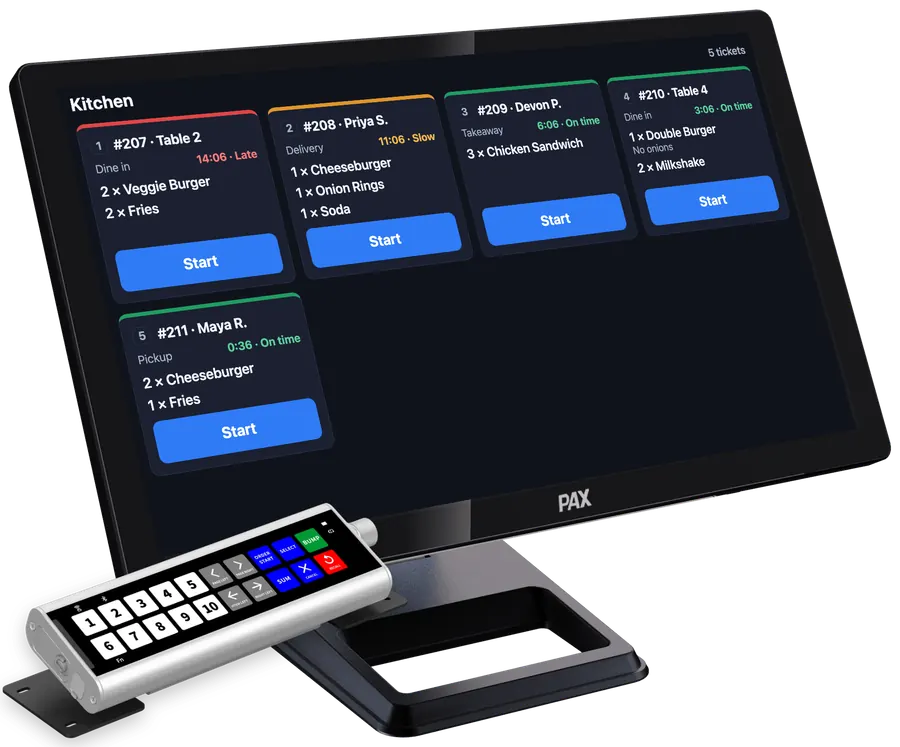
A paid order prints as a ticket, the same as an order from the register or the web.
A simple order shouldn't need a cashier.
The kiosk hands the cart to the phone, and the storefront handles the rest.
01
The kiosk is a web page, so there's no app store and no sign-in. It keeps the tablet awake and says so when the connection drops.
02
A guest browses the menu on the kiosk, opens an item, and builds a cart with the same upsells your storefront shows.
03
The cart ends in a QR code. The guest scans it and pays on their phone with a wallet or card. Opened within 30 minutes, it asks for no name, phone, email, or billing address first.
04
A code on the start screen opens your storefront on the phone for a guest who'd sooner order there. The kiosk resets once a phone takes a cart and never shows a guest's details.
05
The kiosk places the order unpaid. It waits in the order list until staff record cash or card. You turn it on per location, and it needs no card reader.
06
Guests pay right on the kiosk with a card reader. Assign one of ours to take cards on Appetier Pay. The D135 is the one exception, because it runs only in the Appetier app. You can also use your provider's reader on your merchant account, if it can connect to Appetier and your provider allows it on a kiosk.
07
After paying, a code on the order number screen lets a guest add the purchase to their rewards. The screen stays up 20 seconds, and guests who don't scan stay anonymous.
08
Buttons are large, text scales, and the whole flow works with the tablet's screen reader. After 60 seconds untouched, the kiosk clears the cart for the next guest.
Any tablet with a current browser will do. There's nothing to install.
01
In the console, pick the location and make a kiosk code of six digits. Use it within ten minutes, and only once.
02
Open your kiosk page in the tablet's browser and type the code. Your menu fills the screen.
03
Add the page to the home screen, where it opens with no address bar. Then turn on the tablet's single-app mode so guests stay on the kiosk.
Items, photos, and options come from the console, with the item sheet and cart your storefront uses. The test drive shows that menu on a private preview of your restaurant.
Connecting a POS is optional. With one connected, a kiosk order paid on the phone reaches it like a web order, within what your POS allows.
What owners ask before a tablet becomes a kiosk.
Hardware
An Elo kiosk machine puts your menu on a tall touch screen, with a PAX A35 on the side for the card tap. Order it from Appetier, or run the kiosk on a tablet you already own.
Pick a stand that carries a receipt printer and a 22-inch touch screen to match. Screens are sold separately from stands, and any card reader we sell clips on.
A portrait stand for the wall, counter, or floor that carries a receipt printer.
$1,399
Ask us about it Elo Wallaby Pro Self-Service Stand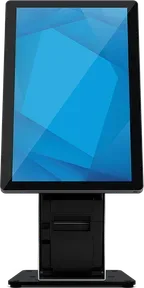
A stand for the counter or floor, portrait or landscape, with a housing for a receipt printer.
$499
Ask us about it Elo Wallaby Self-Service Stand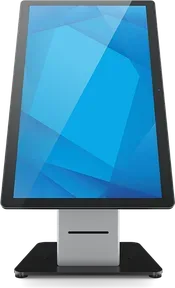
A counter or floor stand with the receipt printer built in.
$949
Ask us about it Elo Wallaby with Integrated Printer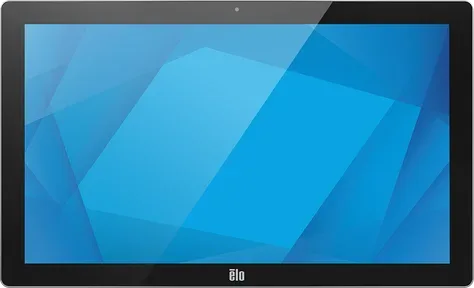
A 22-inch touch screen in a steel case, for a kiosk that stands up to a busy room.
$1,249
Ask us about it Elo 22-inch I-Series 5 Steel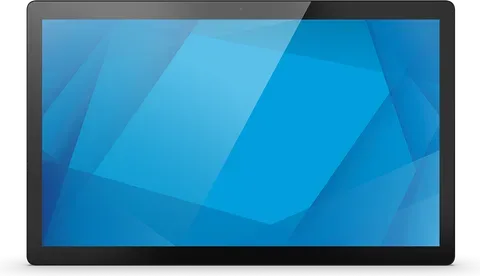
A 22-inch touch screen for a kiosk stand.
$899
Ask us about it Elo 22-inch I-Series 5Guests who pay on the kiosk need a reader. Order ours from your console at the store price to take cards on Appetier Pay. The tablet stays yours.
The register, the table, and the plan.
01
Cash and card sales, and every order in one list.
See restaurant POS systemLet guests order without waiting in line
Set up a tablet in minutes and watch a guest's cart open on their phone.
