
POS sync
Restaurant POS integration that keeps one menu everywhere you sell
Restaurant POS integration, set up once. Change a price in one place and your site and apps follow. No retyping after close.
Use Appetier POS, included in Growth, or keep your POS: with write access, it takes the orders.
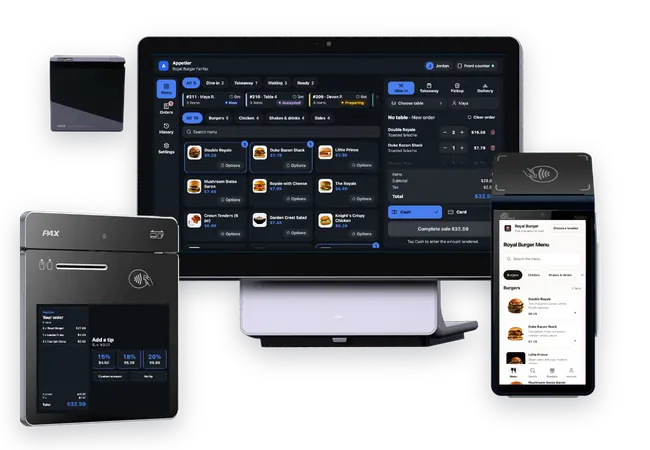
How your POS connects
Appetier is open: bring your own POS and hardware. No tier requires Appetier hardware.
01
Your POS accepts orders: the menu, prices, and sold-out items stay matched, and each order prints in your POS as a ticket.
02
Your POS only shares its menu: prices and sold-out items stay matched, and orders run on Appetier's order screen and kitchen screen. Nothing is sent to your POS.
03
No POS, or you want one system: Appetier POS is included in Growth, runs on your own hardware, and works with any system you connect.
Where the menu goes
One menu, every place orders start
Each POS connects the way it allows.
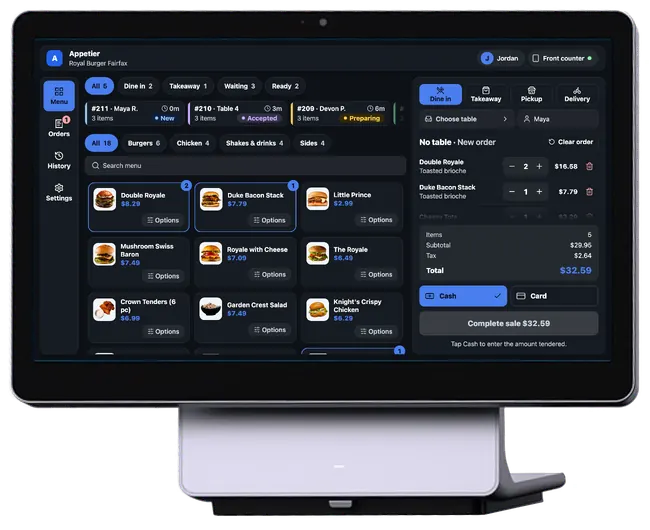
No POS, one register
With no POS, Appetier POS rings up counter sales on the same menu.
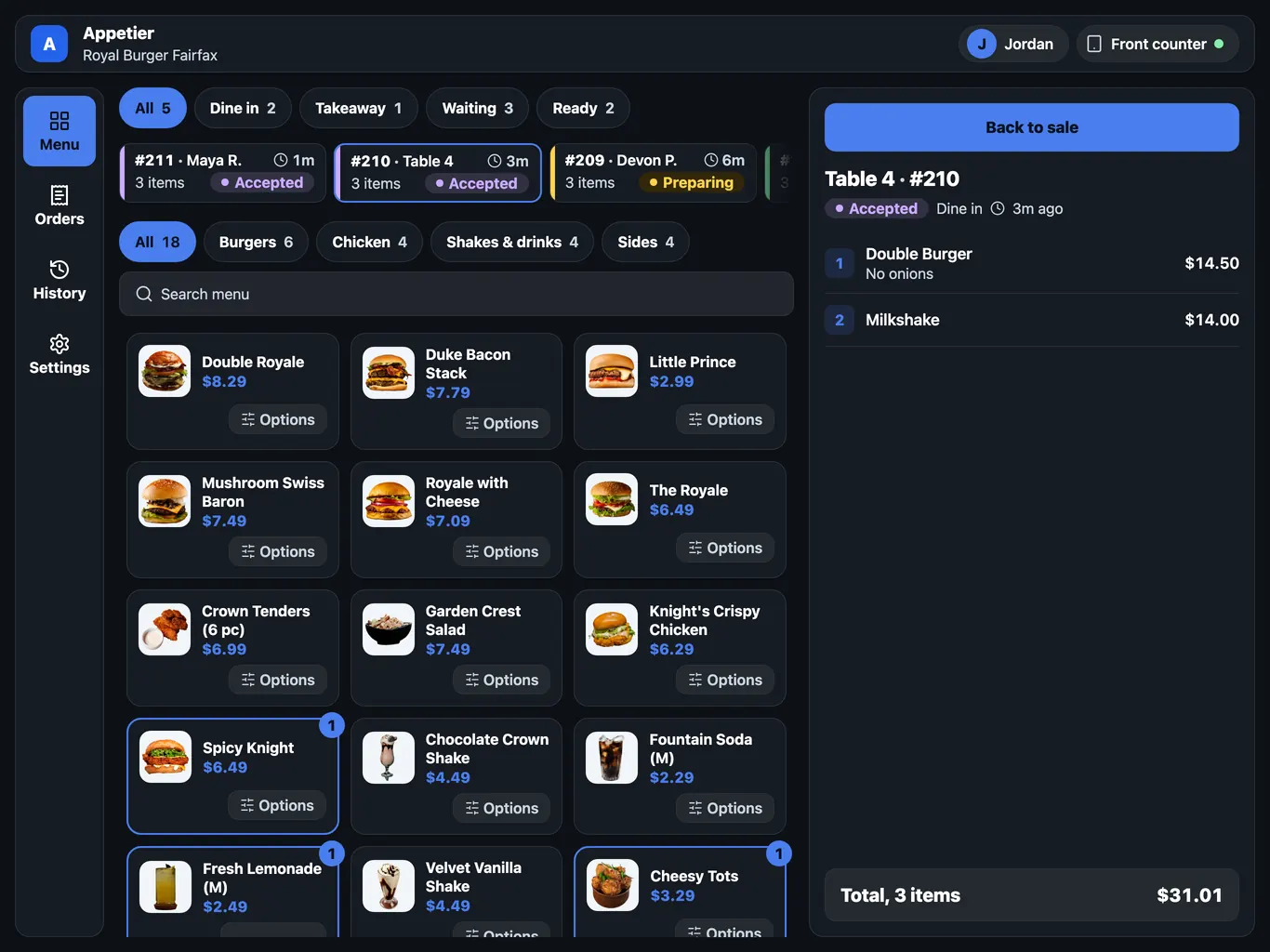
One list of every order
Web, app, and in-store orders sit in one list, whatever system took them.
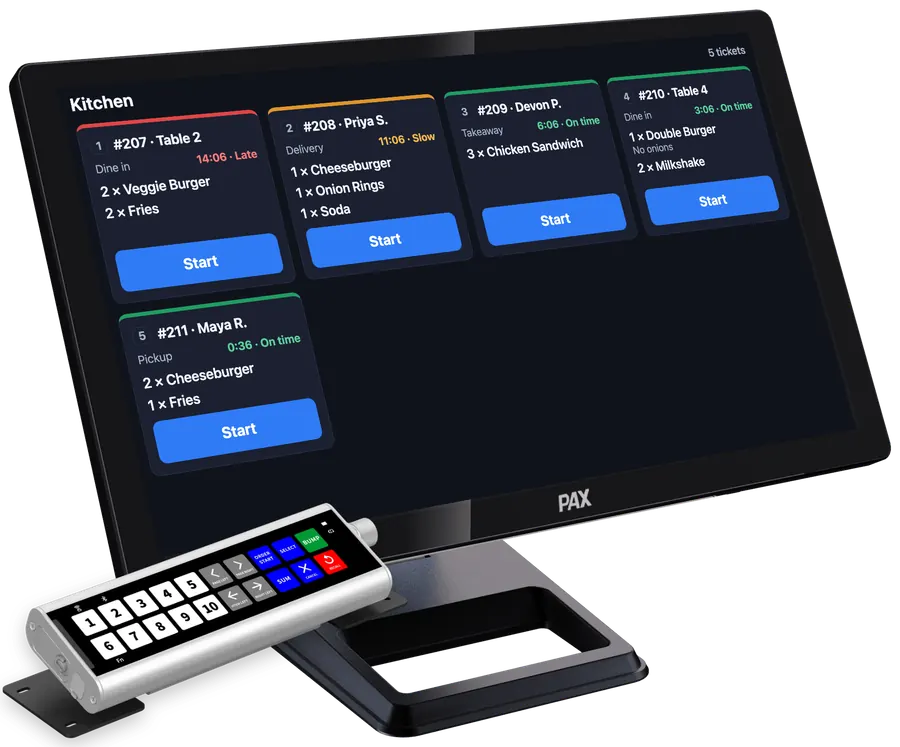
Tickets the kitchen already reads
If your POS accepts orders, each one prints there as a ticket. If not, it prints from Appetier.
Every extra place to order is another menu to keep right
Every change gets copied by hand, and one copy ends up wrong.
- A price goes up in the POS and nowhere else.
- A sold-out item keeps taking orders online.
- A modifier means one thing in the POS and another online.
- Someone retypes the same change after close.
- The refund and the bad review arrive the next morning.
Your POS menu is the menu guests see
Edit in the POS or the console, or ask Sous. Your site and apps get the same change.
01
Prices and modifiers match
Your site and apps show the items, prices, and modifiers in your POS.
02
An 86 comes off the menu
86 an item in the POS and it comes off online ordering at once.
03
Orders print as tickets
Direct orders print like any other ticket. The kitchen works as it does now.
04
Prep times follow the rush
Quoted times track the actual rush, not a number someone set in March.
05
One menu, with changes per location
Run one menu for the brand. Change prices or items per location where they differ.
You hear about a mismatch before a guest does
Sous watches each POS connection and compares your online menu with the POS.
01
Mismatch alerts
Sous flags a menu that no longer matches your POS.
02
A dropped connection
Your team gets an alert when the POS connection drops.
03
Read it before it goes
Preview a menu change before guests see it.
Run a test order before you rely on it
Setup is guided. Mismatches turn up in step three.
01
Connect your POS
Approve Appetier in your POS so it can see the menu and send orders.
02
Match items and locations
Appetier helps match your categories, modifiers, and items to the POS. Then set hours and prices for each location.
03
Check it before you trust it
Compare the online menu with the POS. A test order confirms they agree.
Where a matched menu pays off
01
Direct tickets on the same printer
When your POS accepts orders, orders from your site and apps print there next to your counter orders.
See online ordering02
Checkout sells only what's on tonight
Guests order from the same prices and modifiers your staff ring up.
See online ordering03
Google shows the menu you sell
Your Google listing carries the same hours and menu as your ordering page.
See restaurant SEOBuild your storefront before you connect a POS
The test drive builds your storefront from your website, no POS needed. Start free, connect your POS, then change a price and watch it reach your site.
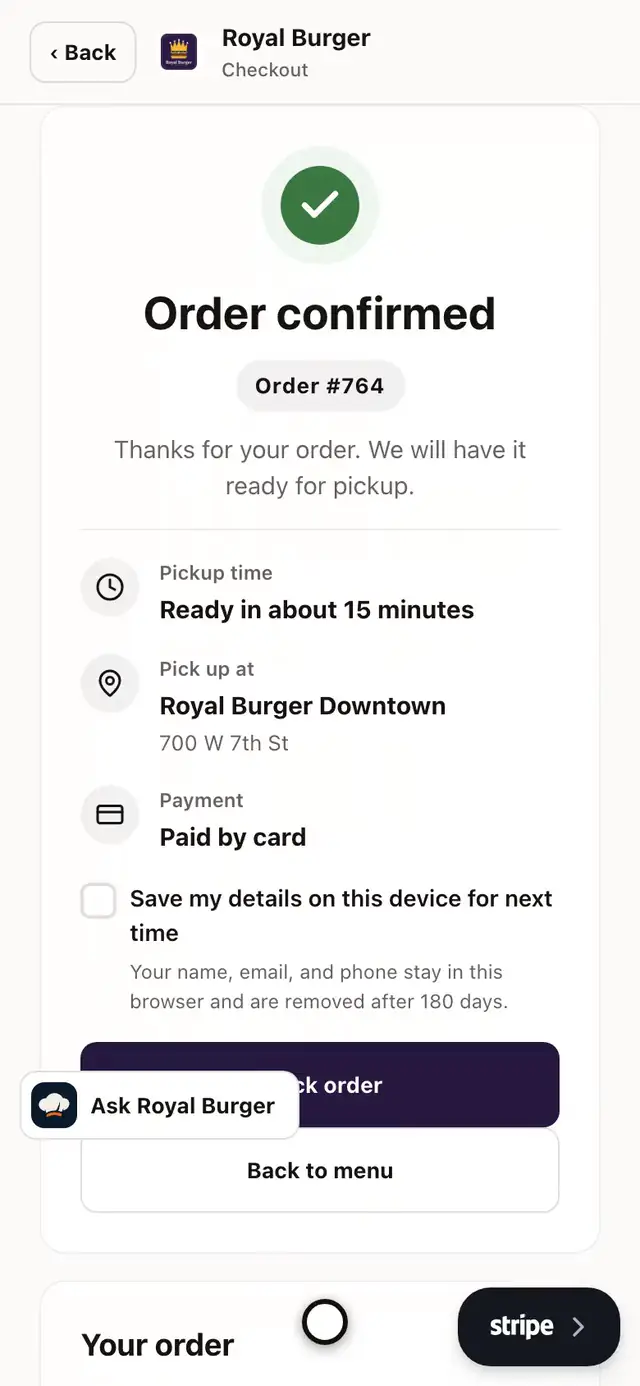
- Open the burger
- Pick the bun
- Add the fries
- Add it to the order
- Pick the store
- Go to checkout
- Place the order
- See it confirmed
Square, Shopify POS, Toast, Clover, and more connect in setup
Pick yours when you connect. We also build custom connections.
POS sync FAQs
Questions owners ask before connecting a POS.
Do menus, prices, and orders sync both ways?
Which restaurant POS integrations are supported?
Do I need a POS to use Appetier?
Do we need new hardware to get orders into our POS?
What happens during a POS outage?
Is there onboarding support?
What to know before connecting a POS
What to know about menus when you keep, add, or change a POS.
02
Publish before the POS is connected
Connecting a POS never holds up the launch. Publish from a logo and a menu photo, then connect the register.
See the setup guide04
Connecting Toast
Your Toast admin sets up access once. Prices and tickets stay in Toast.
See the Toast integration05
Menu pricing guide
Cost each plate, then keep one price on the site, the app, and the counter.
See the menu pricing guide06
More than one location
One menu across every store, with the fee cap counted per location.
See franchisees and groups07
AI assistants and your menu
What an AI-readable menu is, and how an assistant order ends on your own checkout.
Read the AI-readable menu guide
Make the next price change in one place
Change it once and your site and apps follow. No POS yet? Start anyway and connect one later.