
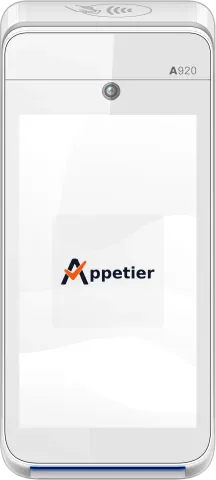
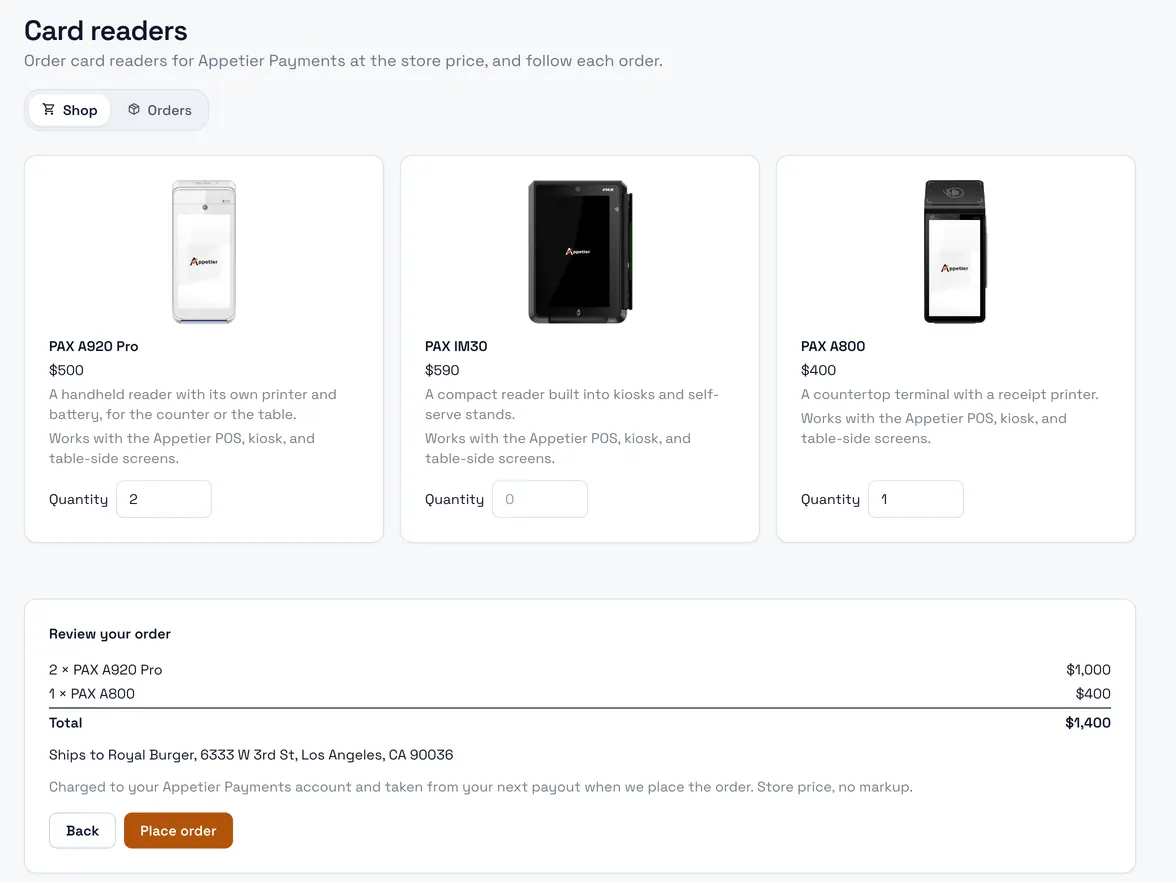
PAX A920 Pro
A handheld reader with its own printer and battery.
$500
View details PAX A920 ProHardware
Run the POS, kiosk, kitchen display, and menu boards on tablets and screens you already own. Add a card reader from us to take cards on Appetier Pay.
Each reader below takes cards on Appetier Pay, sold at the store price. Handheld, countertop, unattended, or pocket: open one for what it suits and its full specification.
A handheld reader with its own printer and battery.
$500
View details PAX A920 Pro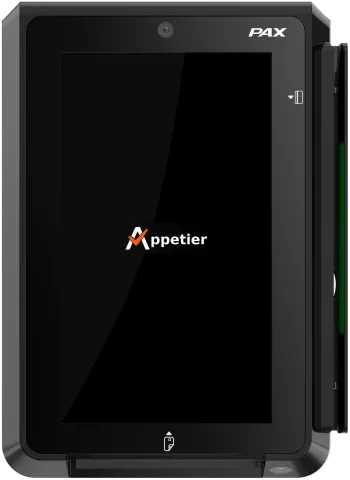
A compact reader for kiosks and unattended sales.
$590
View details PAX IM30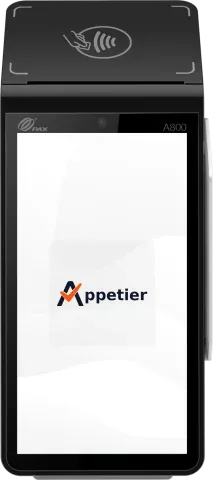
A countertop terminal with a receipt printer built in.
$400
View details PAX A800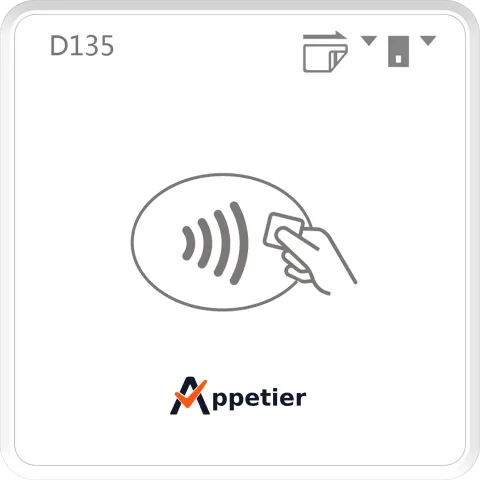
A pocket reader that pairs to your phone or tablet.
$75
View details PAX D135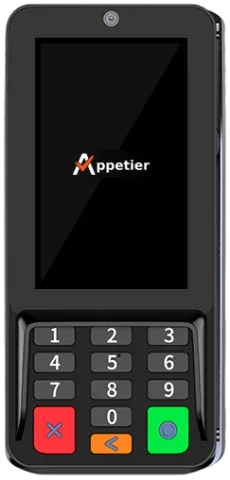
A slim countertop terminal for staffed counters.
$282
View details PAX A35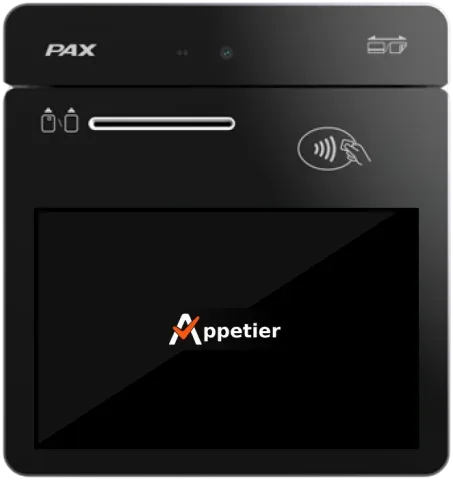
A seven-inch payment tablet for busy counters.
$550
View details PAX A3700The PAX Elys Workstation L1400 is a countertop POS with a 14-inch touchscreen. It has no card reader built in, so it pairs with any reader we sell.
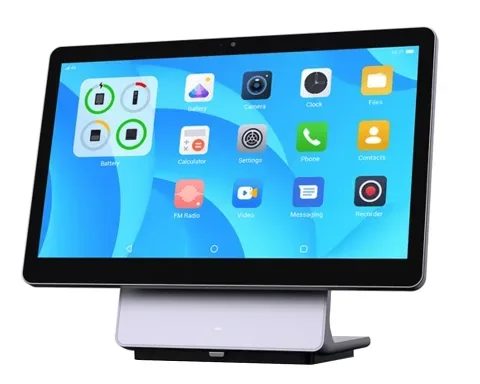
A 14-inch countertop POS that pairs with any card reader we sell.
$595
Ask us about it PAX Elys Workstation L1400Use the tablets and screens you have, or buy from any vendor. Beyond card readers, we sell a kiosk and a kitchen display, at cost.
01
Appetier POS runs on an iPad or Android tablet you already own. Lock an Android tablet to Appetier from your console; an iPad uses Guided Access.
See the POS system02
The self-order kiosk runs on your own tablet in any stand you pick. Prefer one machine? Order the Elo kiosk from us at cost. Add the IM30 reader from our list to take cards at the kiosk.
See the self-order kiosk03
The kitchen display runs on a tablet, and menu boards run on any TV with a browser. Or order the PAX Elys Display and PB20 bump bar from us at cost.
See the kitchen displayReaders go to restaurants that take cards on Appetier Pay. You order them from your console.
What Appetier Pay charges and when the money reaches your bank.
Take cards at the counter with Appetier Pay
Your storefront goes live in minutes from your logo and a photo of your menu. Then order the reader you want from your console.
